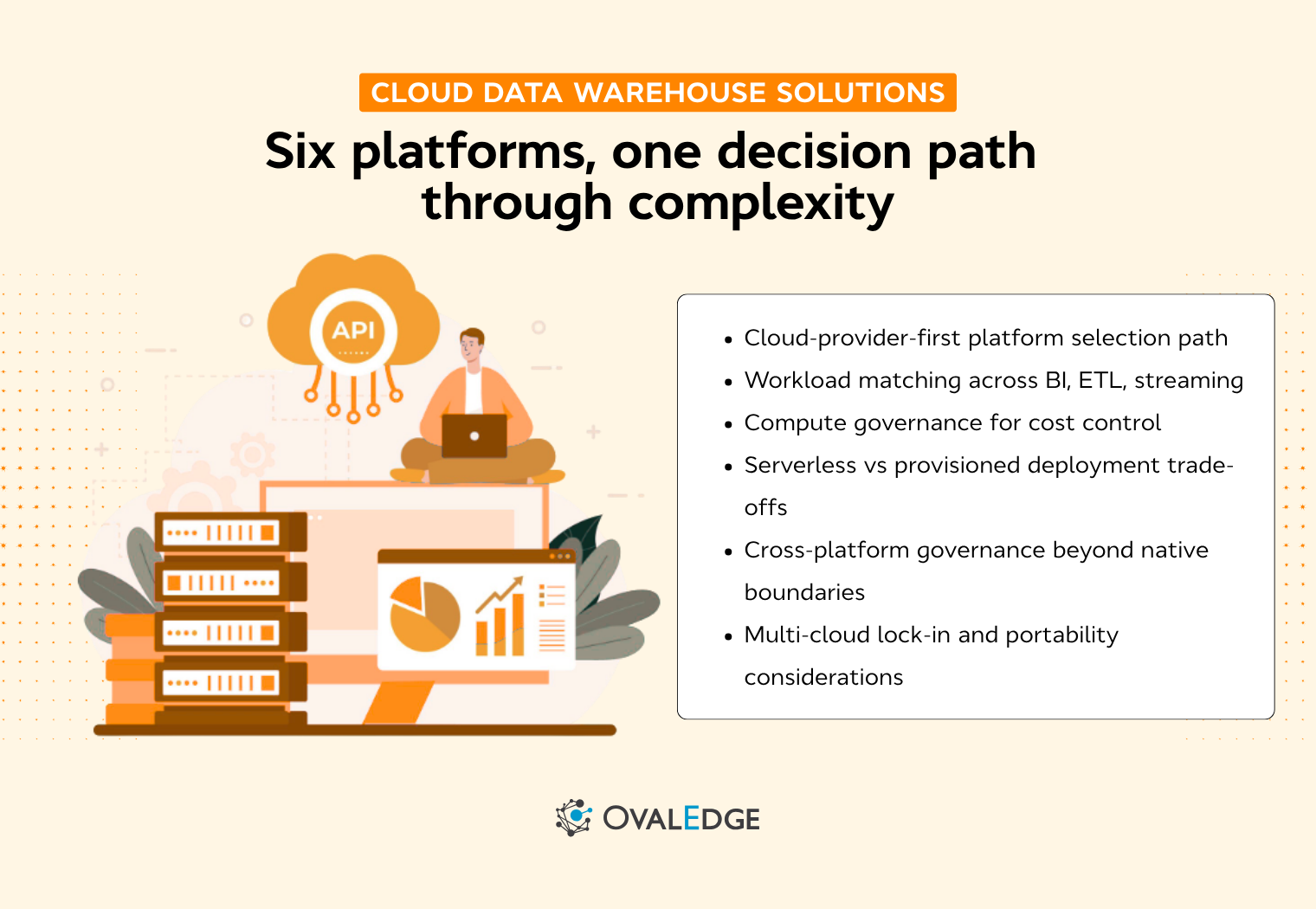
Every data team eventually lands on the same question: which cloud warehouse actually fits our stack, our budget, and the governance rules we have to live with? The answer depends on tradeoffs that vendor comparison pages won't spell out for you.
Snowflake, BigQuery, Redshift, Databricks, Azure Synapse, and Microsoft Fabric all promise elastic scale, separated storage and compute, and native cloud integration. Where they diverge is pricing architecture, governance depth, and what they quietly do worse than the rest.
We break down each platform on the things that actually matter when you're choosing.
Cloud data warehouse comparison at a glance
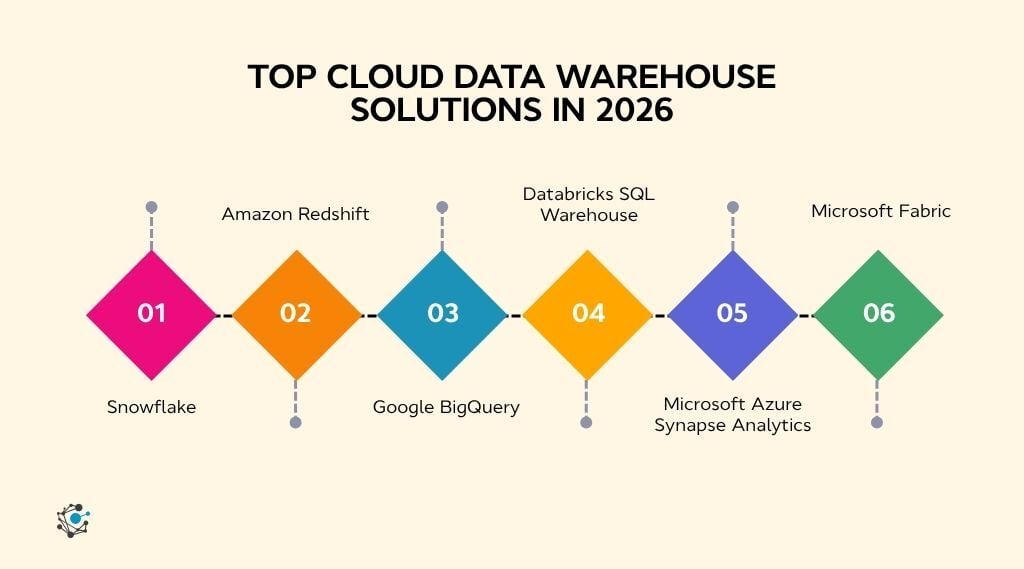
Each cloud data warehouse platform is designed around different assumptions about scale, cost, workload, and cloud ecosystem. Understanding these differences helps you narrow your shortlist before comparing individual features, pricing, and deployment options.
Before exploring each platform in detail, the table below compares the leading cloud data warehouse solutions based on architecture, pricing model, deployment, and ideal use cases.
If your evaluation extends beyond warehouse platforms to the broader analytics ecosystem, our guide to data warehouse tools explores complementary technologies such as data modeling, orchestration, metadata management, and BI platforms that support modern data warehouses.
|
Data Warehouse |
Deployment |
Pricing |
Compute & Storage |
Serverless |
Governance & Lineage |
|
Snowflake |
Multi-cloud |
Credit-based |
Full separation |
Yes |
Tag policies, object-level lineage |
|
Amazon Redshift |
AWS-native |
On-demand / reserved |
Partial |
Yes |
IAM, Lake Formation |
|
Google BigQuery |
GCP-native |
Per-query / slots |
Full separation |
Yes |
Column-level security, Dataplex |
|
Databricks SQL |
Multi-cloud |
DBU-based |
Full separation |
Yes |
Unity Catalog, lineage, audit |
|
Azure Synapse |
Azure-native |
Pay-per-query / DWU |
Partial |
Yes |
Purview integration |
|
Microsoft Fabric |
Azure SaaS |
Capacity -based |
Unified OneLake |
Yes |
Purview, OneLake lineage |
1. Snowflake
Snowflake is a cloud-native data warehouse built for scalable analytics and secure data sharing. Its architecture fully separates compute from storage and runs natively across AWS, Azure, and GCP from a single account.
What makes it different
-
Only platform on this list with true multi-cloud deployment from one account across all three major providers.
-
Live data sharing across organizations without copying or moving data.
-
Isolated virtual warehouses per workload, so concurrent teams never compete for the same compute.
Where it leads
Strongest choice for multi-cloud analytics and cross-organization data sharing. Teams running mixed workloads (reporting, ETL, data science) get performance isolation without manual cluster tuning.
Known limitations
Costs escalate quickly if warehouse auto-suspend isn't configured. Snowpark's ML capabilities exist but lag behind Databricks' native environment.
Pricing
-
Compute: ~$2.00/credit (Standard), ~$3.00/credit (Enterprise), ~$4.00/credit (Business Critical). One credit equals one virtual warehouse running for one hour.
-
Storage: ~$23/TB/month (on-demand) or ~$40/TB/month (capacity pre-purchase).
-
Watch out for: A warehouse left running overnight at X-Large burns roughly $16/hour in Standard edition.
Best for
Multi-cloud organizations that need governed data sharing and workload isolation across teams.
2. Amazon Redshift
Amazon Redshift is AWS's MPP cloud data warehouse, optimized for large-scale batch analytics within the AWS ecosystem. It offers both provisioned clusters and a serverless deployment option.
What makes it different
-
Zero-ETL connections to Aurora, RDS, and DynamoDB let you analyze operational data without building pipelines.
-
Redshift Spectrum queries S3 data directly without loading it into the warehouse.
-
Deepest native integration with the AWS service stack (Kinesis, Glue, SageMaker, QuickSight).
Where it leads
Go-to pick for AWS-standardized organizations with steady, high-volume batch workloads. Strong bridge between warehouse and S3 data lake.
Known limitations
Most advantages are AWS-specific. Provisioned clusters charge whether queries are running or idle, so oversized clusters waste money fast.
Pricing
-
Provisioned: Starting at ~$0.25/hour (dc2.large on-demand) for a two-node cluster.
-
Serverless: ~$0.375/RPU-hour. One RPU equals one Redshift Processing Unit.
-
Storage: ~$0.024/GB/month for managed storage.
-
Watch out for: Provisioned clusters charge whether queries are running or idle. Right-sizing the cluster is the primary cost lever.
Best for
AWS-heavy organizations running predictable batch analytics that want direct access to S3 and operational databases without data movement.
3. Google BigQuery
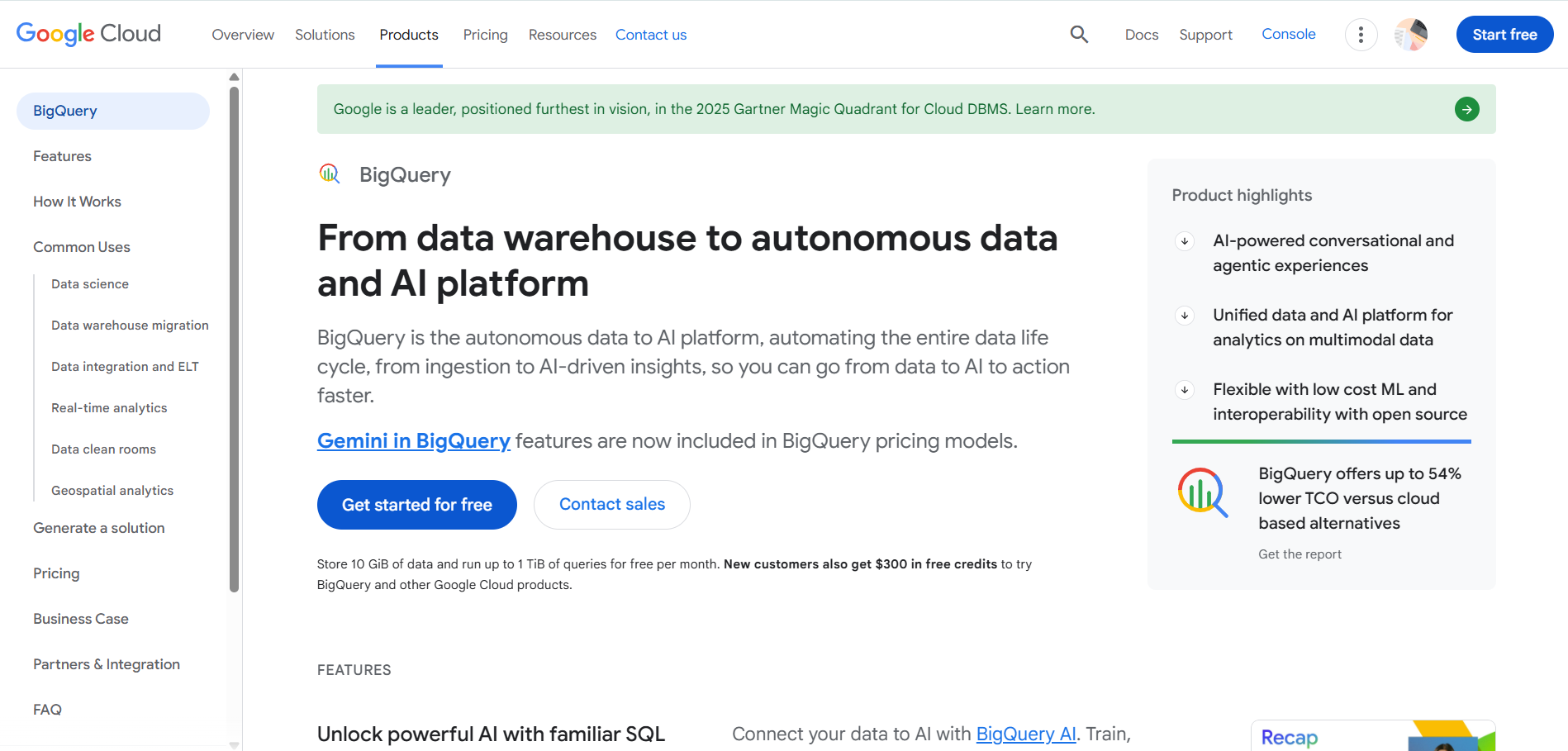
Google BigQuery is Google Cloud's fully serverless data warehouse. There's no cluster to provision or manage. You run a query, pay for the bytes scanned, and the platform handles scaling automatically.
What makes it different
-
Fully serverless by default with zero infrastructure management and no idle compute costs.
-
BigQuery ML lets analysts train and deploy machine learning models using standard SQL.
-
Native streaming ingestion for near-real-time analytics without a separate ingestion layer.
Where it leads
Strongest for serverless ad hoc analytics at scale and teams with bursty, unpredictable query volumes. Built-in ML means your BI team can build predictive models without a separate data science stack.
Known limitations
A single unoptimized query can scan terabytes and cost hundreds of dollars. Cost control requires disciplined partitioning and clustering. The ecosystem pulls heavily toward GCP.
Pricing
-
On-demand: $6.25/TB of data scanned per query. First 1 TB/month is free.
-
Flat-rate (editions): Starting at ~$0.04/slot-hour (Standard edition, auto-scaling).
-
Storage: ~$0.02/GB/month (active), ~$0.01/GB/month (long-term after 90 days).
-
Watch out for: Partition and cluster tables to control scan volume. Unfiltered queries against large tables are the most common cost surprise.
Best for
Google Cloud teams that need zero-infrastructure analytics, bursty query patterns, or SQL-based ML without a separate platform.
4. Databricks SQL Warehouse
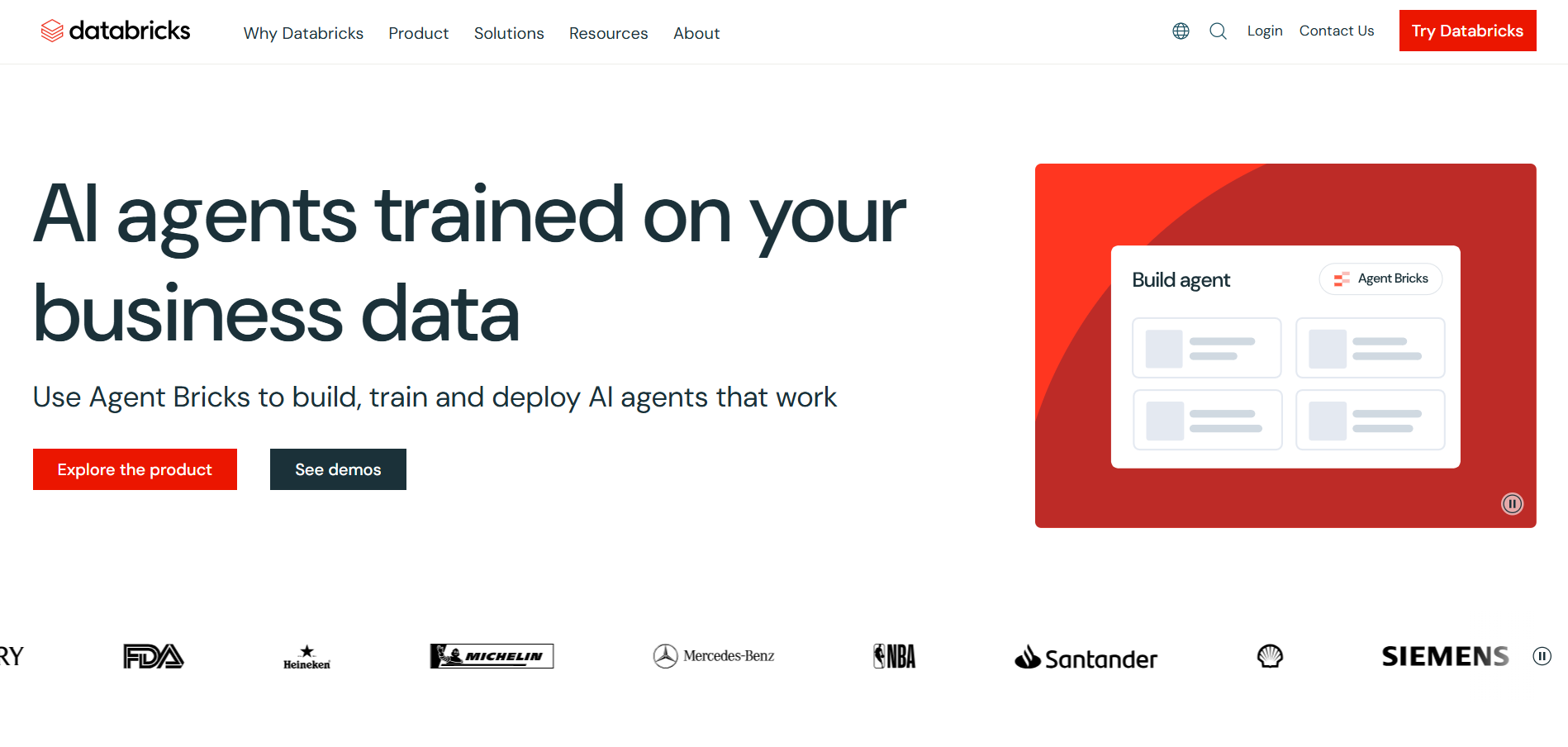
Databricks is built on the lakehouse model: SQL analytics, data engineering, and machine learning run against the same governed data in open formats (Delta Lake). SQL Warehouse is the SQL analytics layer within the broader platform.
What makes it different
-
Unified platform for SQL analytics and ML/AI on the same data, eliminating the need for separate warehouse and ML environments.
-
Unity Catalog provides cross-cloud governance with built-in lineage, access control, and audit logging.
-
Open table formats (Delta Lake, Iceberg support) reduce proprietary lock-in.
Where it leads
The clear leader for teams that need both BI reporting and ML/AI workloads on shared, governed data. Ideal for organizations committed to open formats and lakehouse architecture.
Known limitations
Overkill for teams that only need a SQL warehouse for BI. DBU pricing varies by cloud, tier, and workload type, making cost forecasting less straightforward than credit or per-query models.
Pricing
-
Compute: ~$0.22/DBU (Standard tier, AWS). A SQL Warehouse uses 8 to 270 DBUs depending on cluster size.
-
Storage: Uses your cloud provider's storage pricing (S3, ADLS, or GCS).
-
Watch out for: DBU pricing varies by cloud provider, tier, and workload type. A medium-sized SQL Warehouse uses roughly 24 DBUs/hour.
Best for
Teams building a lakehouse architecture that combines SQL analytics, data engineering, and ML on open formats with cross-cloud governance.
5. Microsoft Azure Synapse Analytics
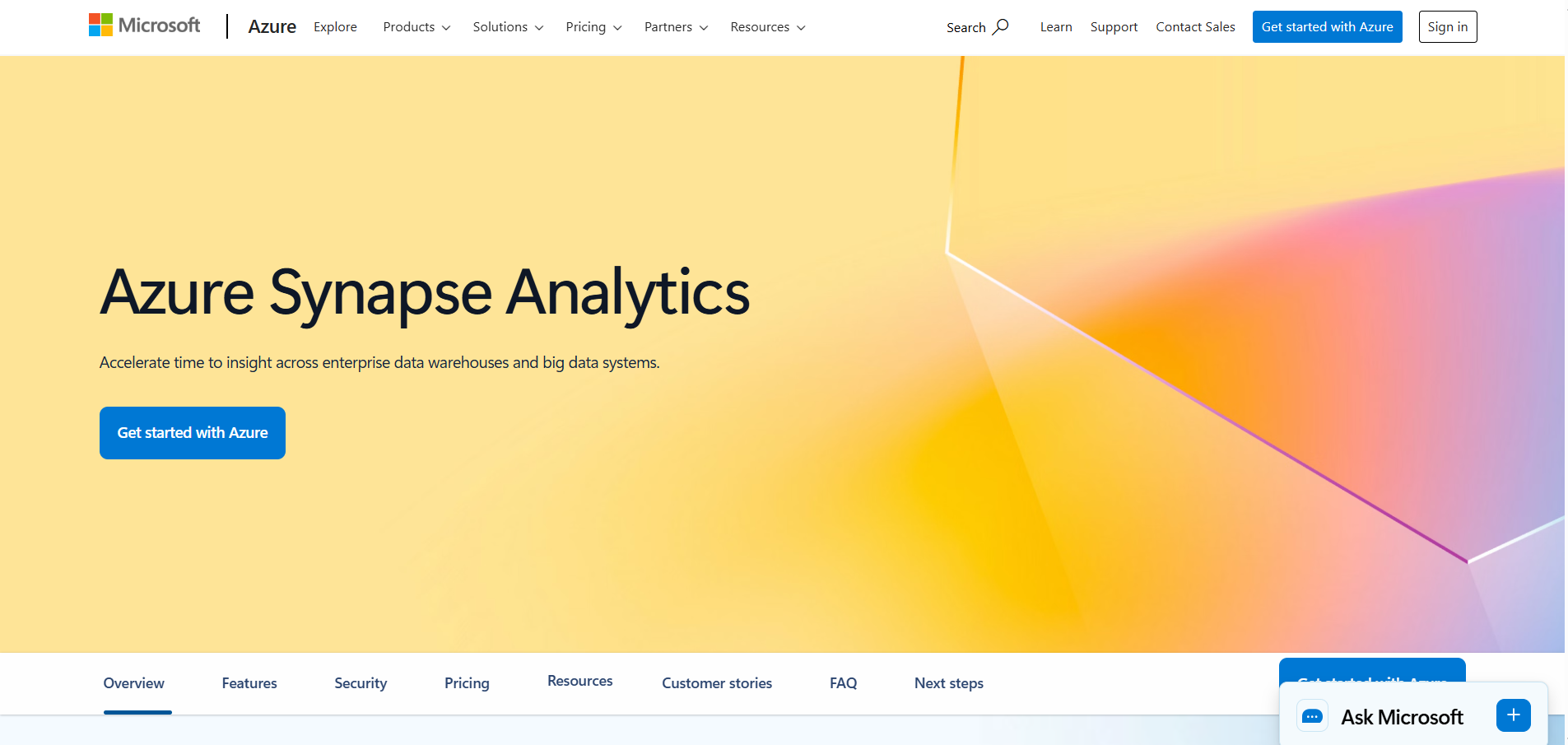
Azure Synapse Analytics combines a dedicated SQL pool (MPP warehouse), serverless SQL, and managed Apache Spark in a single Azure workspace. It's designed for large enterprises that need traditional warehousing alongside data lake analytics.
What makes it different
-
One workspace covering dedicated SQL pools, serverless SQL, and Spark, so teams don't switch tools across workloads.
-
Deepest native integration with the Azure ecosystem (Purview for governance, Data Factory for orchestration, Power BI for reporting).
-
Dedicated SQL pools deliver consistent performance for high-volume, predictable production workloads.
Where it leads
Strongest pick for large Azure-centric enterprises with mixed workloads spanning structured warehouse queries, data lake exploration, and Spark-based engineering.
Known limitations
More infrastructure management than serverless alternatives. Dedicated pools charge continuously while running and must be paused manually to avoid idle spend.
Pricing
-
Serverless SQL pool: ~$5.00/TB of data processed.
-
Dedicated SQL pool: Starting at ~$1.20/DWU-hour (DW100c).
-
Storage: ~$0.0184/GB/month (locally redundant).
-
Watch out for: Dedicated pools charge continuously while running. Pause them when not in use to avoid idle spend.
Best for
Azure-centric enterprises that need dedicated SQL pools for large-scale analytics alongside Spark and pipeline orchestration in one workspace.
6. Microsoft Fabric
Platform overview
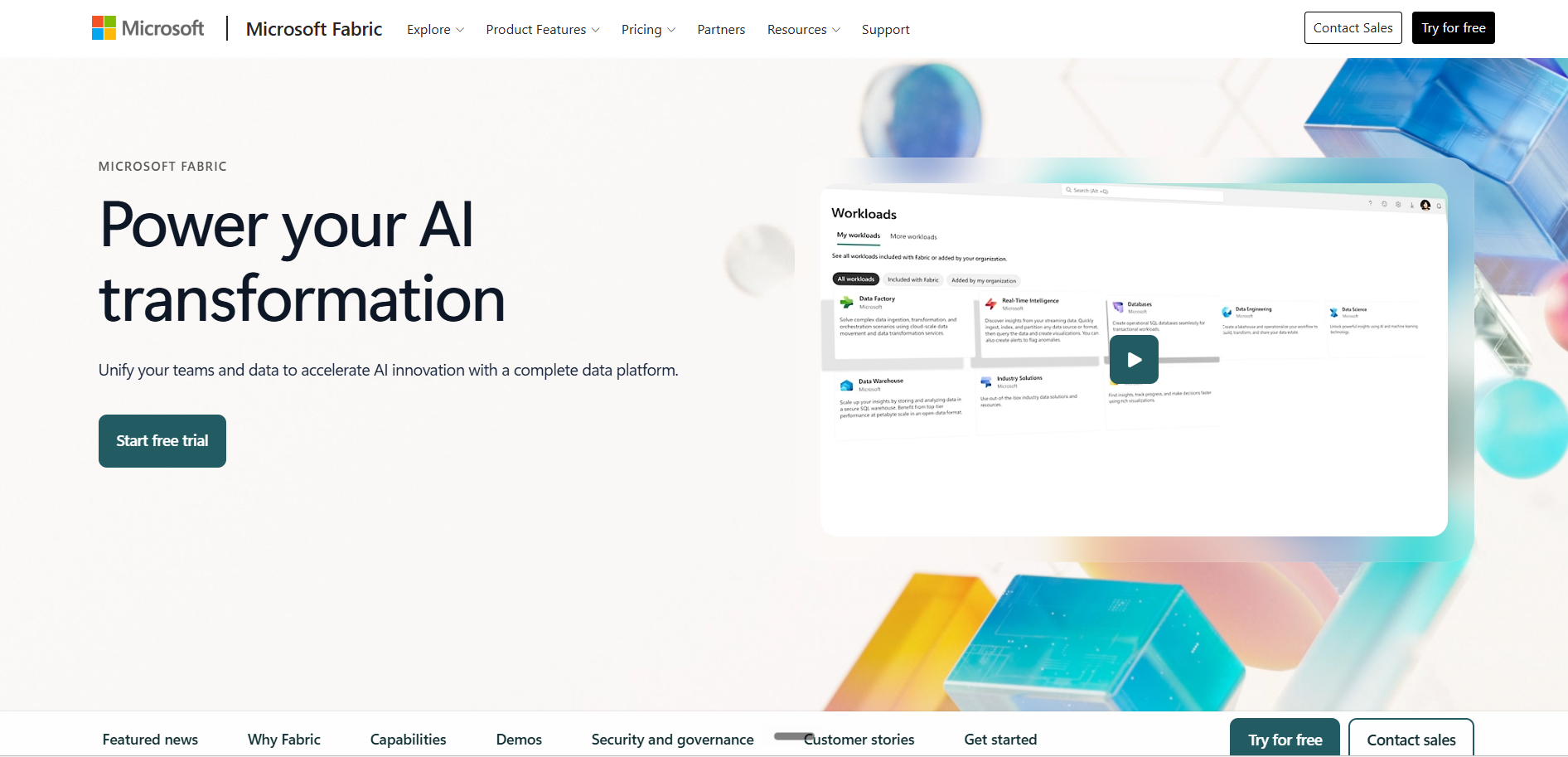
Microsoft Fabric is Microsoft's SaaS-first analytics platform. OneLake serves as a single organizational data lake, and one capacity model (F-SKUs) covers warehousing, lakehouses, notebooks, pipelines, real-time analytics, and Power BI under a single billing meter.
What makes it different
-
Direct Lake mode lets Power BI query Delta tables from OneLake without importing data, removing the ETL bottleneck between warehouse and BI.
-
Single capacity model across all analytics workloads, so you manage one meter instead of separate services.
-
Lowest infrastructure overhead on this list, fully SaaS with minimal admin.
Where it leads
The natural fit for Microsoft-centric organizations where Power BI is the primary analytics layer. Teams that want one platform covering warehousing through reporting without assembling individual Azure services.
Known limitations
Shared capacity means a heavy Spark job can throttle SQL and Power BI performance. The platform is newer than the other five, with some enterprise features still maturing.
Pricing
-
Capacity: Starting at ~$0.36/hour (F2 SKU). Capacity is shared across all Fabric workloads (SQL, Spark, Power BI, Data Factory).
-
Storage: OneLake storage billed separately at ~$0.023/GB/month.
-
Watch out for: Shared capacity means a heavy Spark job can throttle your SQL and Power BI workloads. Monitor capacity utilization closely, or separate workloads across SKUs.
Best for
Microsoft and Power BI shops that want a single SaaS platform with minimal infrastructure and unified capacity billing.
How OvalEdge extends governance across your warehouse stack
The comparison above surfaces a pattern: every platform's native governance stops at its own boundary. Snowflake's tag policies don't follow data into Redshift. Unity Catalog's lineage doesn't extend into BigQuery. Purview covers the Azure stack but goes silent once data moves outside it.
For organizations running more than one warehouse or connecting warehouses to BI tools, SaaS applications, and AI platforms, that boundary is exactly where governance breaks.
OvalEdge closes the gap by building an Enterprise Context Graph that maps metadata, lineage, business definitions, quality scores, and access policies across platform boundaries, so governance travels with the data rather than living inside a single tool.
How it works across your warehouse stack
-
Cross-platform catalog and discovery: OvalEdge connects to all six platforms in this guide, plus 170+ additional sources, through a unified catalog. AskEdgi lets data consumers find governed assets across every connected warehouse using natural-language prompts.
-
End-to-end lineage across warehouse boundaries: When a Snowflake table feeds a Redshift pipeline that populates a Power BI dashboard, OvalEdge traces the full path from source to consumption, not just the segment each platform can see on its own.
-
Automated classification and policy enforcement: Sift scans connected systems to detect and classify sensitive data across every warehouse in your stack, so masking and access policies apply consistently regardless of where the data sits.
-
Data quality monitoring: Curo monitors quality and trust scores across platforms, flagging drift or breakage regardless of which warehouse stores the data.
-
Shared business glossary. When "active customer" or "monthly revenue" means different things in different warehouses, governance is already broken. OvalEdge standardizes definitions across platforms so every team works from the same vocabulary.
For organizations running analytics across multiple cloud data warehouses, the Enterprise Context Graph is what turns isolated platform governance into a connected, enterprise-wide framework.
Schedule a demo to see how OvalEdge's Enterprise Context Graph connects governance, lineage, and trusted business context across your cloud data warehouse stack.
Feature-by-feature comparison: what to evaluate when choosing a platform
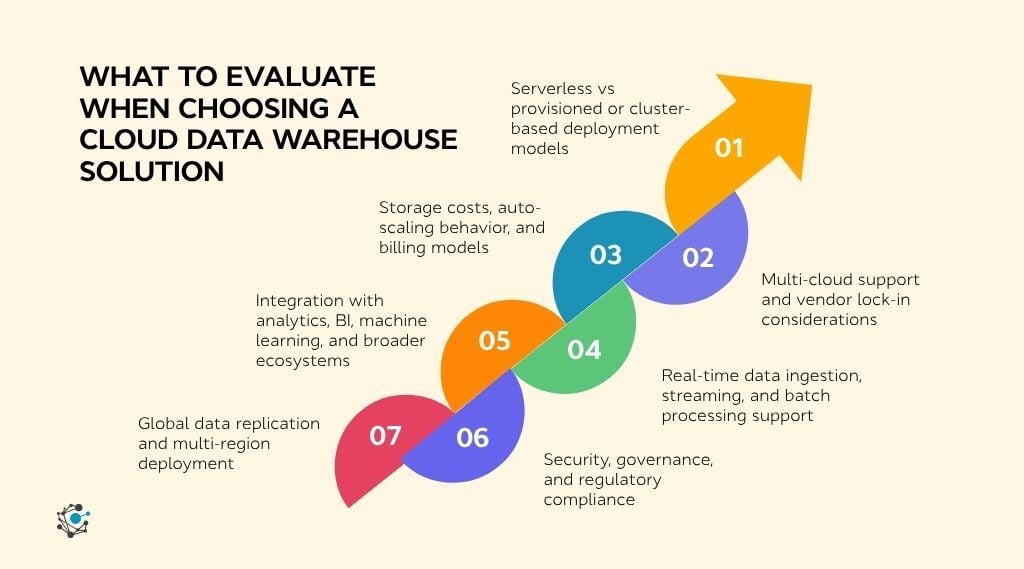
Cloud data warehouse solutions may look similar on the surface, but their differences become clear when you examine how they handle scale, cost, governance, and integration.
A feature-by-feature evaluation helps cut through marketing claims and identify the capabilities that have the greatest impact on performance, cost, and long-term scalability.
Understanding these differences is easier when viewed within the broader enterprise data warehouse architecture that supports modern analytics.
1. Serverless vs provisioned deployment models
BigQuery and Fabric are fully serverless with no clusters to manage. Snowflake auto-scales virtual warehouses, but you still choose a size that affects cost. Redshift and Synapse offer both serverless and provisioned modes, with dedicated pools for predictable workloads. Databricks auto-scales SQL Warehouses with deeper configuration options for teams that want fine-grained control.
For bursty workloads, BigQuery carries the least friction. For steady reporting, Snowflake's warehouse sizing gives better cost control.
2. Multi-cloud support and vendor lock-in considerations
According to DataStackHub's Cloud Adoption Statistics 2026, 83% of enterprises use a multi-cloud strategy, while 78% operate hybrid cloud environments.
For these organizations, cloud coverage and portability are important factors when evaluating data warehouse platforms.
Snowflake and Databricks are the two genuinely multi-cloud options, running natively across AWS, Azure, and GCP with consistent features on all three. BigQuery is GCP-native with limited cross-cloud reach through Omni. Redshift is tightly coupled to AWS services like Kinesis, Glue, and Spectrum. Synapse and Fabric are both Azure-native, though Fabric adds data mirroring from external platforms like Snowflake and Cosmos DB.
If your organization operates across clouds or might switch providers, Snowflake and Databricks carry the least lock-in risk.
3. Storage costs, auto-scaling behavior, and billing models
BigQuery charges per query ($6.25/TB scanned) or per slot-hour on flat-rate plans. Snowflake uses per-second credit billing. Redshift charges per node-hour or RPU-hour. Databricks bills in DBUs that vary by cloud and workload type. Synapse charges per DWU-hour or per TB processed. Fabric uses a single capacity meter across all workloads.
Storage pricing is more uniform, ranging from $0.01 to $0.025/GB/month across most platforms, with Snowflake slightly higher at ~$23/TB/month on-demand. Across all six, compute governance (auto-suspend, query optimization, workload isolation) drives more cost savings than the base pricing model.
4. Real-time data ingestion, streaming, and batch processing support
BigQuery supports native streaming inserts with low-latency availability. Databricks handles real-time workloads through Structured Streaming on Spark. Fabric offers a Real-Time Intelligence layer within its SaaS platform. Snowflake's Snowpipe provides near-real-time micro-batch ingestion that covers most analytics use cases.
Redshift streams through Kinesis and MSK, tightly tied to the AWS stack. Synapse Link mirrors data from Cosmos DB for near-real-time analytics without traditional ETL.
For streaming-first architectures, Databricks and BigQuery lead. For near-real-time analytics where minutes of latency are acceptable, Snowpipe and Synapse Link handle the job with less complexity.
5. Integration with analytics, BI, machine learning, and broader ecosystems
Databricks has the deepest ML integration with notebooks, MLflow, and model serving living alongside SQL analytics. BigQuery ML lets analysts train models in SQL without a separate stack. Snowflake's Snowpark supports Python and Scala for ML, though it's less mature than Databricks. Redshift connects natively to SageMaker for ML within AWS. Fabric goes furthest on BI: Direct Lake mode lets Power BI query OneLake data without import, and Copilot adds AI-assisted reporting.
ML-heavy teams should evaluate Databricks first. BI-first organizations get the tightest integration from Fabric and Power BI.
6. Security, governance, and regulatory compliance
All six platforms offer encryption, role-based access control, and audit logging as baseline. The differences show up in governance depth.
|
Governance Feature |
Snowflake |
Amazon Redshift |
Google BigQuery |
Databricks |
Azure Synapse |
Microsoft Fabric |
|
Column-level security |
Masking policies |
Dynamic masking |
Column-level ACLs |
Unity Catalog |
Dynamic masking |
Purview integration |
|
Row-level security |
Row access policies |
Yes |
Row-level security |
Row filters |
Yes |
Via Purview |
|
Data lineage |
Object-level |
Limited |
Dataplex |
Unity Catalog |
Purview |
Purview |
|
Data classification |
Tag-based |
No native |
DLP integration |
Unity Catalog tags |
Purview |
Sensitivity labels |
|
Policy enforcement |
Masking + access policies |
IAM policies |
Organization policies |
Attribute-based access |
Azure Policy |
Purview + Azure Policy |
|
Audit logging |
Account Usage + Access History |
CloudTrail + STL |
Cloud Logging |
Unity Catalog audit logs |
Diagnostic logs |
Unified Purview audit |
|
Cross |
Limited |
AWS only |
GCP only |
Multi-cloud |
Azure ecosystem |
Azure ecosystem |
The common gap across all six: native governance works within each platform's ecosystem. When data spans multiple warehouses, lakes, and BI tools, governance stops at the platform boundary. Building a sustainable data governance and compliance program requires a governance layer that extends beyond any single platform.
7. Global data replication and multi-region deployment
Snowflake supports database replication and failover across regions and clouds, making it the most flexible for multi-region setups. BigQuery offers cross-region dataset copies within GCP. Redshift uses cross-region snapshots for disaster recovery but needs additional setup for live replication.
Databricks handles cross-region consistency through Delta Lake's transaction log and cloud-native storage replication. Synapse and Fabric inherit Azure's geo-redundant backup and regional availability through OneLake.
For strict data residency or active-active multi-region deployments, Snowflake offers the most built-in support. For standard disaster recovery, cloud-native replication from the other platforms covers the basics.
How to choose the right cloud data warehouse
The right platform depends on your cloud ecosystem, your primary workload, and how much governance you need across tools.
1. Start with your cloud provider.
-
AWS-first → Redshift
-
Azure-first → Synapse or Fabric
-
GCP-first → BigQuery
-
Multi-cloud or undecided → Snowflake or Databricks
2. Then match your workload.
-
BI reporting and dashboards → Snowflake or BigQuery
-
Heavy batch ETL → Redshift provisioned or Databricks
-
Real-time streaming → Databricks or BigQuery
-
Unified analytics and ML → Databricks
-
Mixed enterprise teams needing workload isolation → Snowflake
3. Then assess governance readiness.
Every platform covers encryption, access control, and audit logging. The differences show up in lineage, classification, and policy enforcement at scale. When data spans multiple warehouses, lakes, and pipelines, no single platform's native governance follows it end to end. That gap is where a dedicated cloud data management platform becomes essential.
Conclusion
Choosing the right cloud data warehouse solution is about more than comparing features. It requires evaluating how well a platform aligns with your cloud strategy, workload patterns, scalability requirements, governance needs, and long-term AI initiatives.
The right choice should not only deliver fast, reliable analytics today but also adapt as your data ecosystem grows and becomes more complex.
As organizations expand across multiple cloud environments, maintaining trusted metadata, business context, lineage, and governance becomes essential for consistent analytics and responsible AI.
Schedule a demo to see how OvalEdge helps unify governance across cloud data warehouses, enabling trusted data discovery, regulatory compliance, and AI-ready business context across your enterprise.
.png?width=1081&height=173&name=Forrester%201%20(1).png)
.png?width=1081&height=241&name=KC%20-%20Logo%201%20(1).png)